
Sheetfetch Blog
Sync data from APIs, databases, apps, or files into Google Sheets and keep it automatically updated. Sheetfetch is a simple no code connector that helps you automate data workflows and save time.

Working with data should be simple. But if you’ve ever tried to connect Google Sheets with your app, you know the reality is very different. Manual exports. Copy paste. Writing custom scripts. Fixing broken integrations every time something changes.

In today’s fast-moving product landscape, speed is everything. Founders, marketers, and developers are constantly looking for ways to build faster without dealing with complex backend infrastructure.
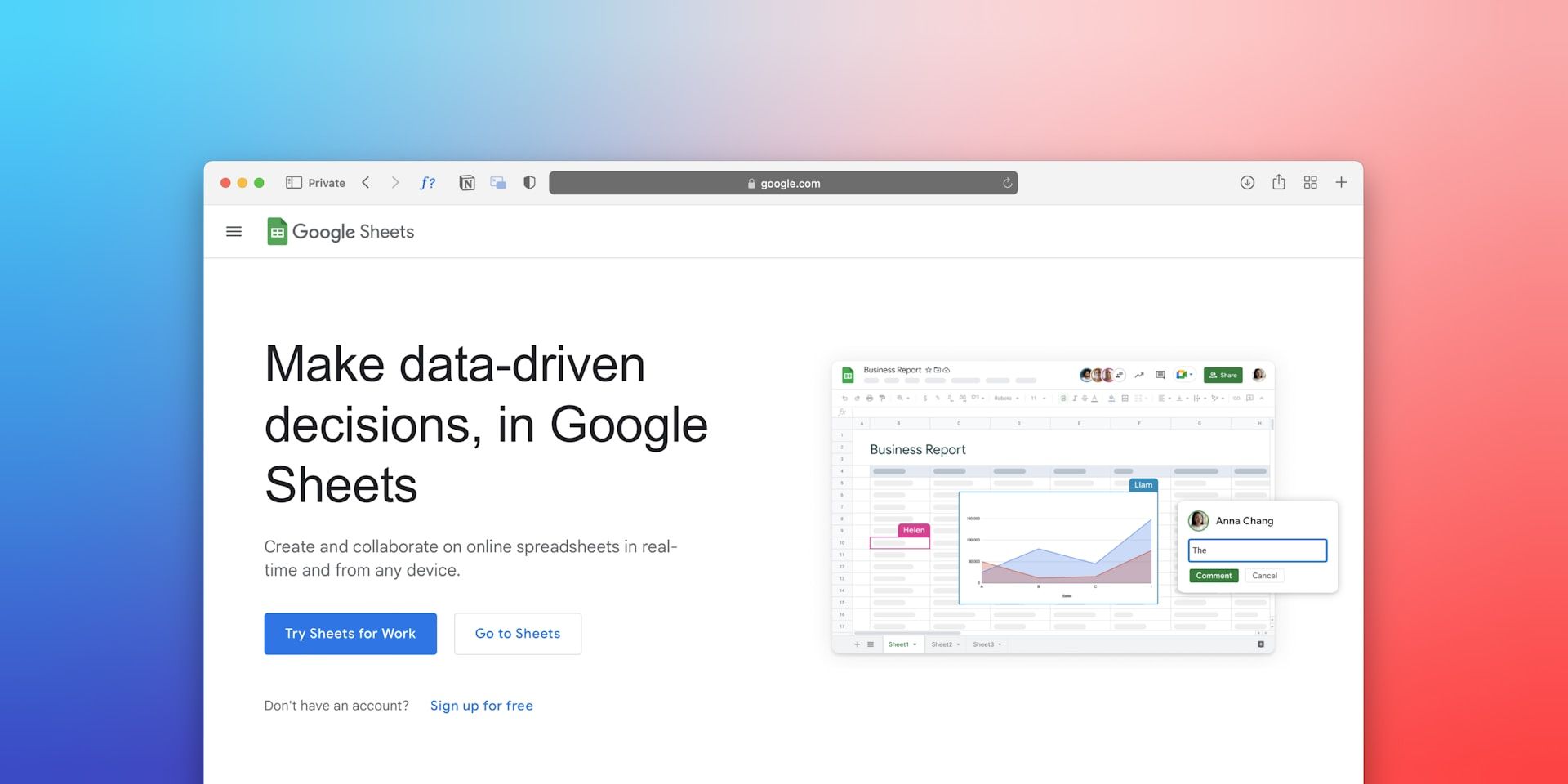
Google Sheets has evolved far beyond a simple spreadsheet tool. Today it is widely used as a lightweight database, a reporting dashboard, and even the backend for many no code applications.

Google Sheets is increasingly used as a lightweight database for websites, SaaS MVPs, automation workflows, and internal dashboards. However, for applications or backend systems to use spreadsheet data, you need a way to connect Google Sheets with REST APIs.
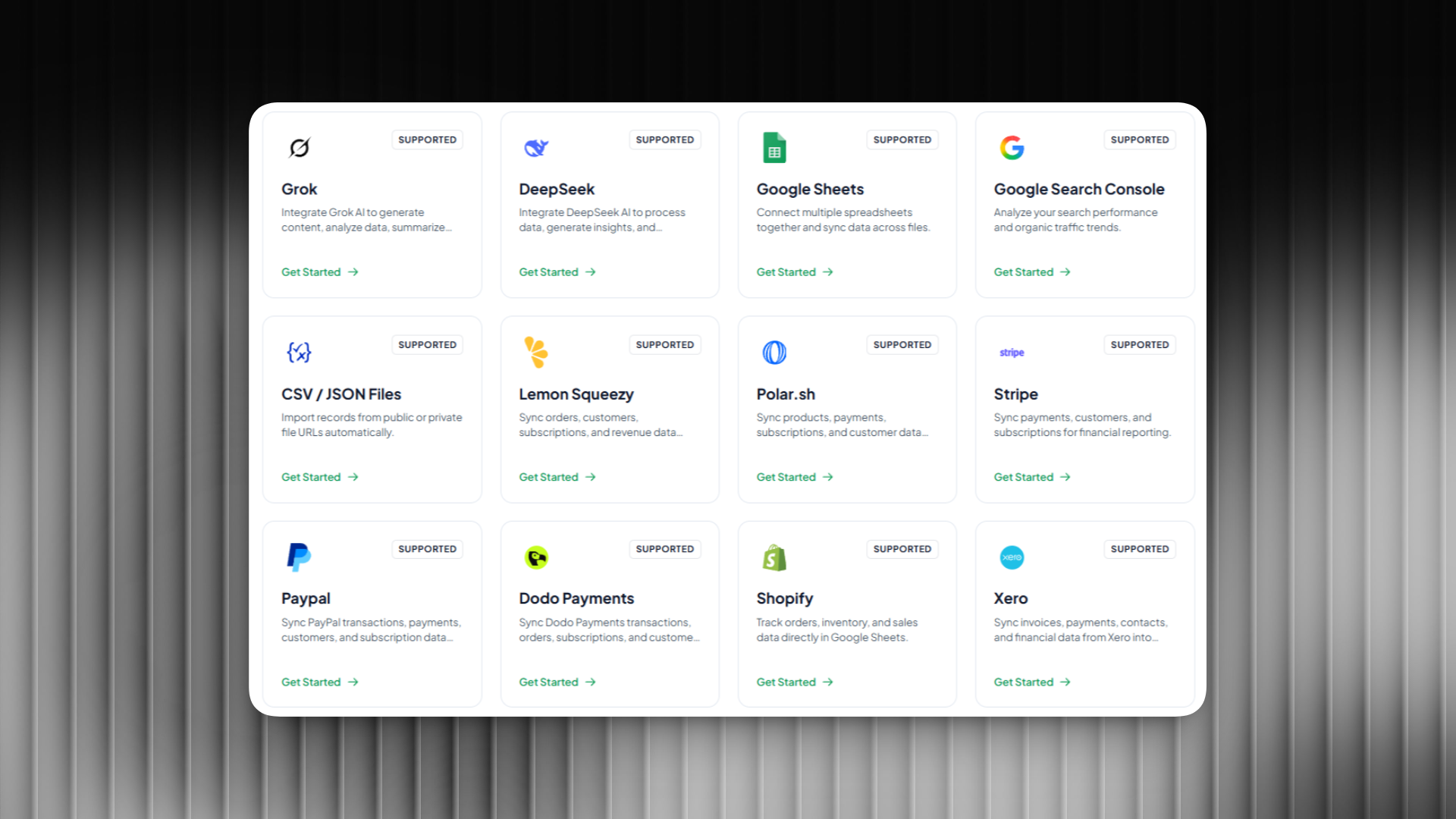
When working with data, connecting different tools to Google Sheets can save a huge amount of time. Instead of exporting files, copying data manually, or building complex API scripts, you can automatically sync data directly into your spreadsheets.
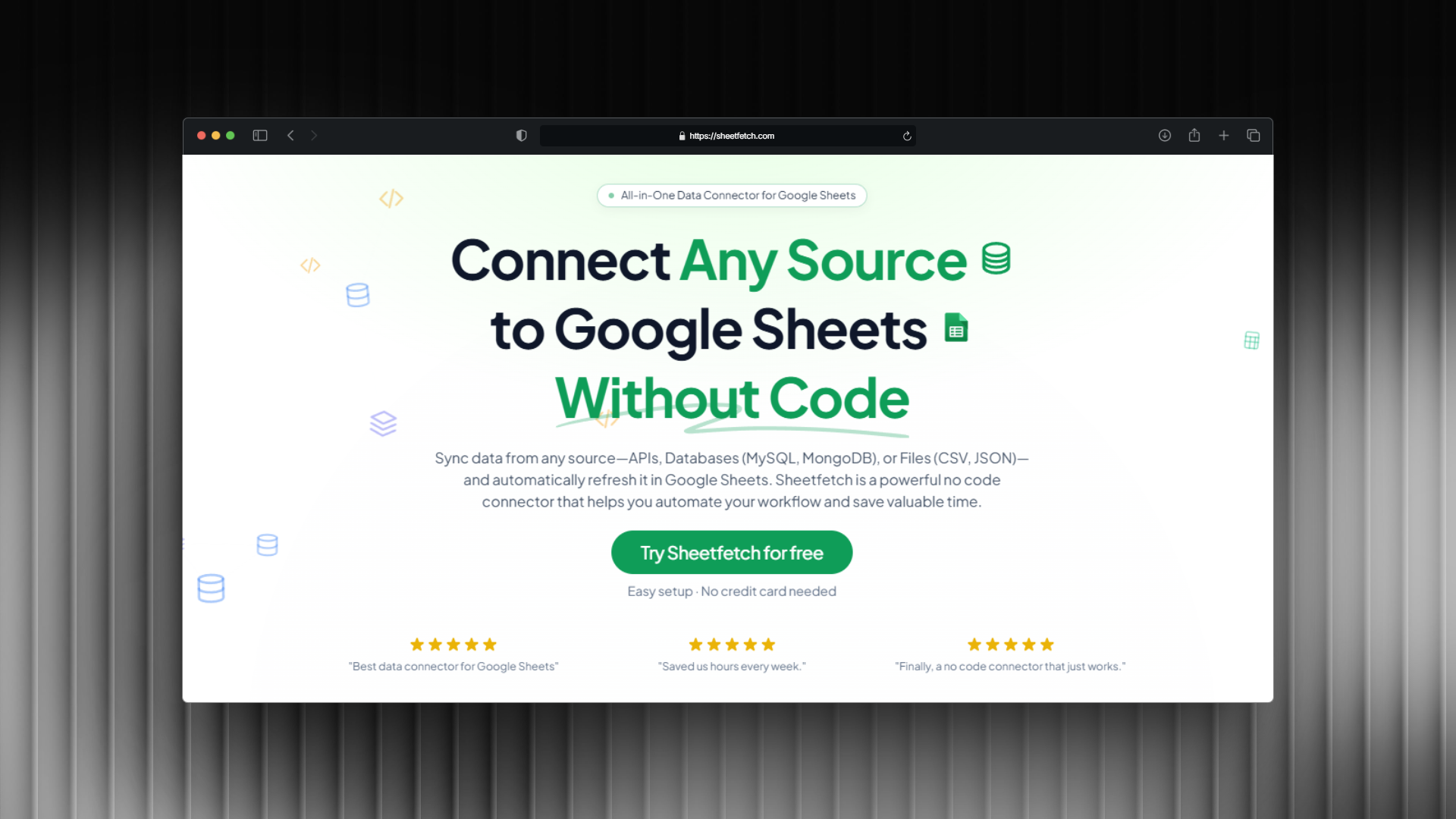
If you use Google Sheets to manage data, analyze metrics, or build workflows, you’ve probably faced the same problem many times: getting data from different sources into one place.
Receive a daily digest of the newest startups.