
In today’s fast-moving product landscape, speed is everything. Founders, marketers, and developers are constantly looking for ways to build faster without dealing with complex backend infrastructure.
That’s where Sheetfetch comes in.
Sheetfetch allows you to turn Google Sheets into a fully functional API and use it as a backend or database in just a few minutes, no heavy setup required.

Why Use Google Sheets as a Database?
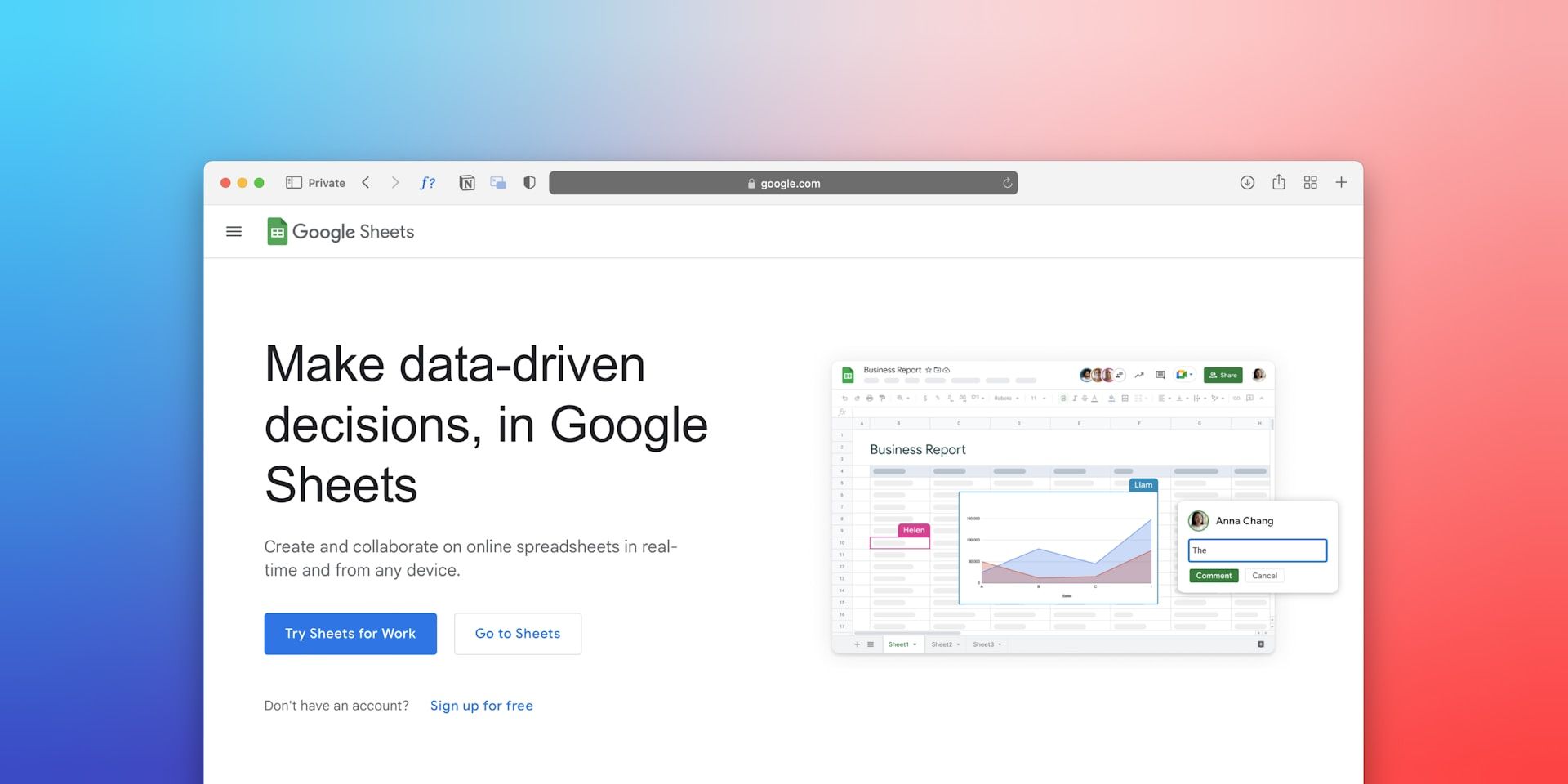
Google Sheets is no longer just a spreadsheet tool. It has become a flexible and accessible data source for modern apps.
Here’s why many people are searching for solutions like:
- google sheets to api
- google sheets as database
- use google sheets as backend
- create api from google sheets
- google sheets rest api
- no code backend
Because Google Sheets offers:
- A familiar interface
- Real-time data updates
- Easy collaboration
- No infrastructure management
When combined with an API layer, it becomes a lightweight yet powerful backend.
What is Sheetfetch?
Sheetfetch is a tool that converts your Google Sheets into REST APIs instantly.
With just a few clicks, you can:
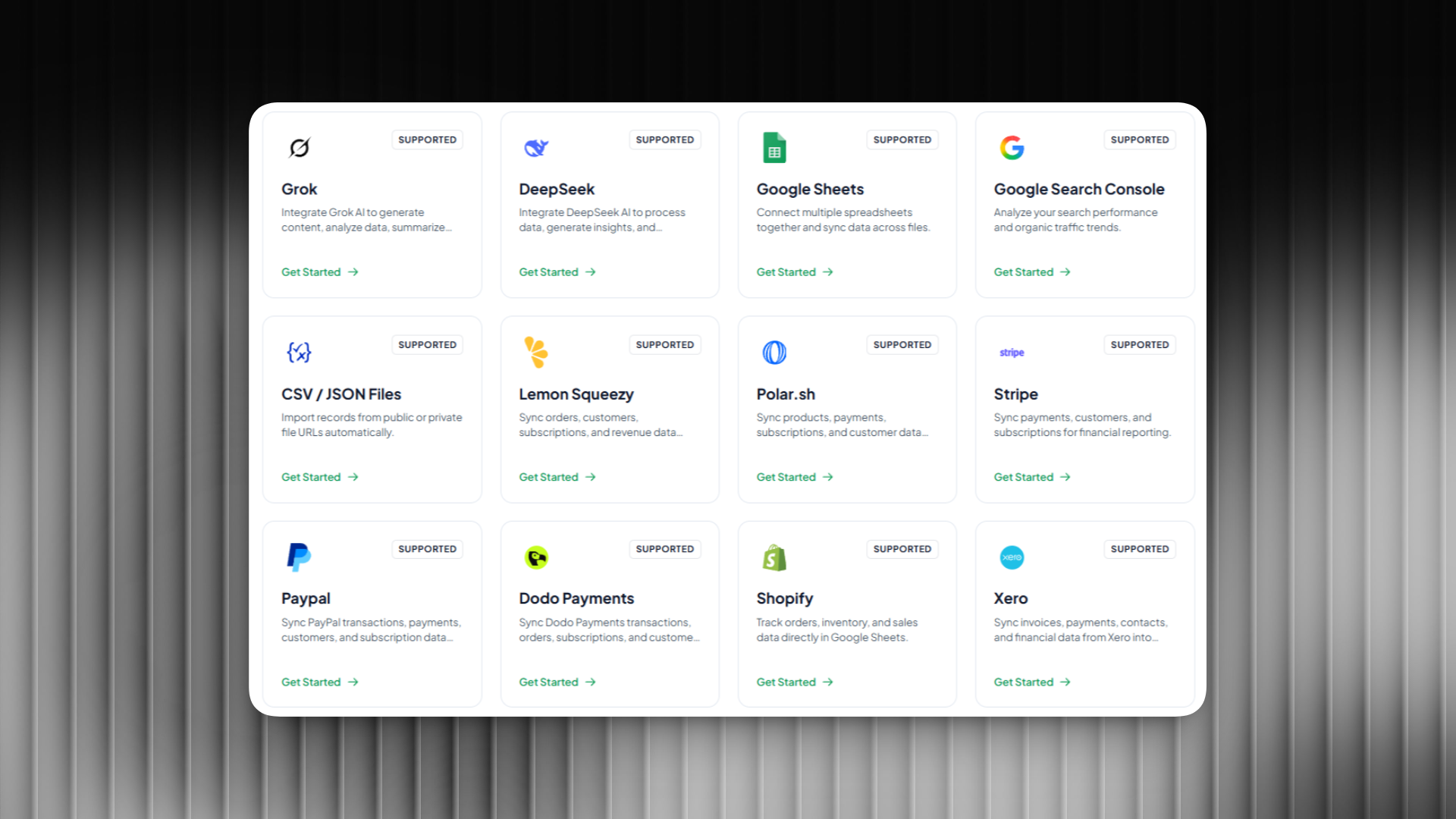
- Connect your Google Sheets
- Generate API endpoints automatically
- Fetch and manage data like a real backend
No need to build servers or manage databases.

Key Features of Sheetfetch
1. Instantly Convert Google Sheets to API
Sheetfetch automatically generates API endpoints from your sheets.
You can:
- Retrieve all data
- Query specific records
- Integrate with websites, apps, or tools
This makes it perfect for rapid development and prototyping.
2. Advanced Data Filtering
Filter your data based on any column.
Examples:
- Get users where status = active
- Filter orders where amount > 100
This gives you database-like querying without writing backend logic.
3. Flexible Sorting
Sort your data easily:
- Ascending or descending order
- By date, number, or custom fields
Perfect for dashboards, reports, and dynamic UI.
4. Built-in Pagination
Handle large datasets efficiently.
Sheetfetch supports:
- Limit and offset
- Page-based navigation
- Faster API responses
This ensures your apps stay fast and scalable.
5. Webhook Automation
Automatically trigger actions when data changes.
Use cases:
- Send notifications on new entries
- Sync data to other platforms
- Trigger automation workflows
This makes Sheetfetch more than just an API tool. It becomes part of your automation stack.
Use Google Sheets as a Real Backend
Instead of using complex stacks like:
- Node.js with databases
- Firebase
- Supabase
You can use Sheetfetch to:
- Build MVPs quickly
- Create internal tools
- Power simple web apps
- Manage data workflows
All powered by Google Sheets.
Who Should Use Sheetfetch?
Sheetfetch is ideal for:
- Founders building MVPs
- Marketers managing data pipelines
- Developers saving backend time
- Teams creating internal dashboards
Conclusion
Sheetfetch transforms Google Sheets into a powerful backend solution.
If you're looking to:
- create api from google sheets
- use google sheets as backend
- turn google sheets into database
- build a no code backend
Then Sheetfetch is the fastest and simplest way to do it.
Start building smarter, faster, and with less complexity using Google Sheets as your backend.