Google Sheets has evolved far beyond a simple spreadsheet tool. Today it is widely used as a lightweight database, a reporting dashboard, and even the backend for many no code applications.
However, the real power of Google Sheets appears when it is connected with external data sources.
Whether you want to track marketing analytics, financial market data, social media metrics, or external APIs, using a data connector for Google Sheets can save hours of manual work.
In this article, we explore the Top 5 Data Connectors for Google Sheets that help automate your data workflows.
1. Sheetfetch – The Simplest Way to Sync External Data into Google Sheets
If you're looking for a powerful yet extremely simple data connector, Sheetfetch is one of the most efficient options available today.
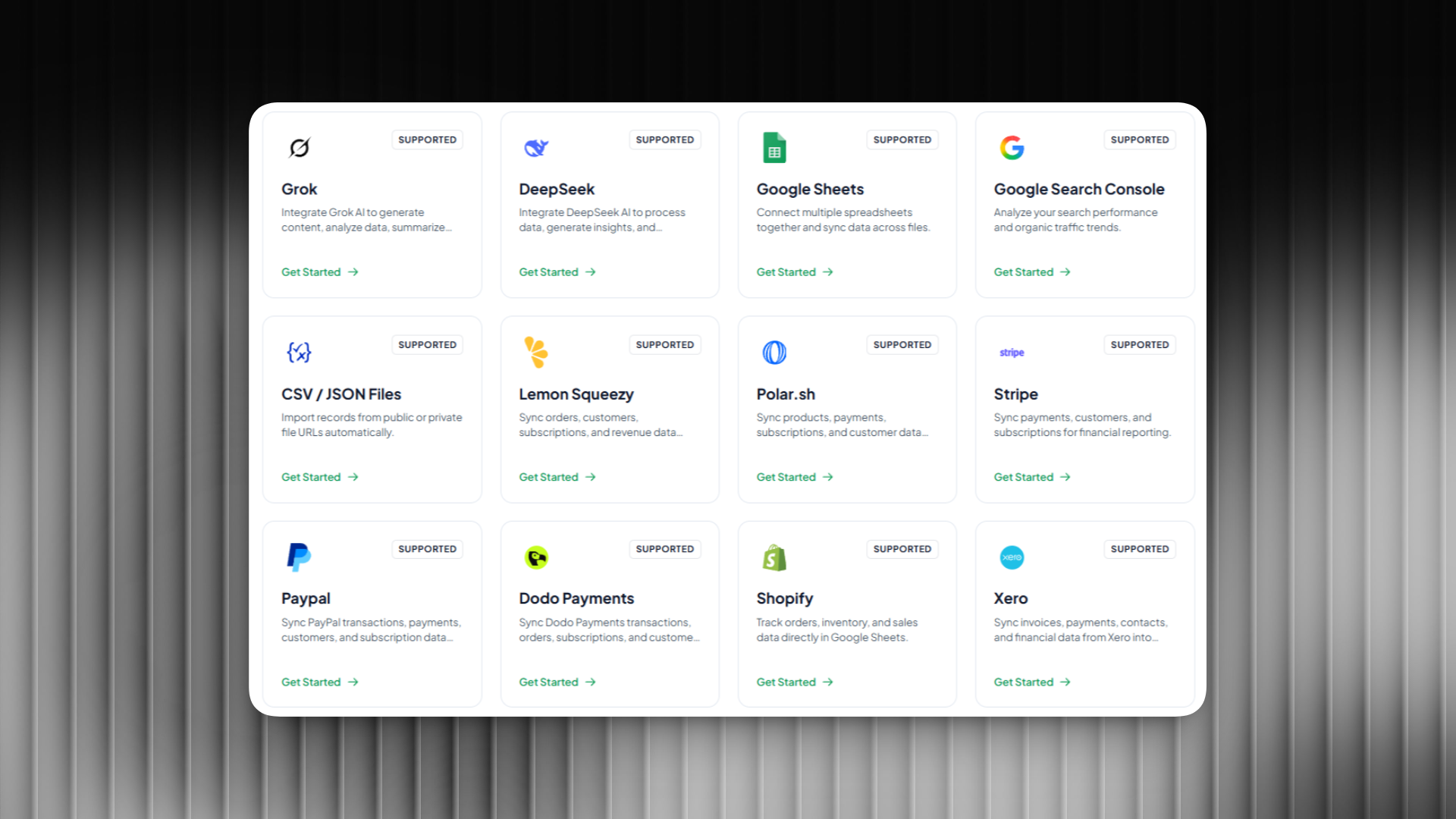
Sheetfetch allows you to connect Google Sheets with multiple external data sources and automatically sync structured data into your spreadsheets.
Instead of writing complex scripts or dealing with API authentication manually, you can pull data into Google Sheets with just a few clicks.
Key Features
• Connect multiple external data sources to Google Sheets
• Automatic data sync every minute, hour, or day
• Turn Google Sheets into an API instantly, making it function like a backend for applications
• Simple setup with no coding required
• Ideal for building automated data pipelines
Popular Use Cases
Marketing teams use Sheetfetch to pull campaign analytics into Sheets.
Investors sync financial market data to track their portfolios.
Developers automate API data pipelines without writing scripts.
Content teams analyze SEO, social media, or trending content data.
Indie makers and startups can even turn Google Sheets into a backend API, making it possible to build simple applications without managing servers or databases.
Because of its clean setup and powerful integrations, Sheetfetch works well for both beginners and advanced users.
If you want a fast and simple way to automate Google Sheets, Sheetfetch is one of the most practical tools available.
2. Supermetrics
Supermetrics is one of the most well known data connectors used by marketing teams.
It focuses on pulling marketing and analytics data from advertising platforms directly into Google Sheets.
Key Features
• Connect Google Ads, Facebook Ads, and other marketing platforms
• Advanced marketing analytics reporting
• Scheduled automatic refresh
• Built for marketing dashboards
Pros
Very powerful for marketing analytics.
Cons
Pricing can be expensive for individuals and small teams.
3. Coupler.io
Coupler is another popular tool for importing data from SaaS applications into Google Sheets.
Key Features
• Scheduled automatic imports
• Integrations with multiple SaaS platforms
• Data ready for reporting and dashboards
Pros
Reliable integrations and automation.
Cons
The setup process can feel slightly complex for beginners.
4. Zapier
Zapier is one of the largest automation platforms in the world, allowing users to connect thousands of apps together.
Many users rely on Zapier to send or update data in Google Sheets based on events from other apps.
Key Features
• Connect more than 5000 applications
• Trigger based automation workflows
• No code automation builder
Pros
Huge integration ecosystem.
Cons
Not optimized specifically for large scale data syncing into Google Sheets.
5. Make
Make is a powerful visual automation platform that allows users to create complex workflows between applications.
Many businesses use Make to automate data pipelines that push or pull information into Google Sheets.
Key Features
• Visual workflow builder
• Multi step automation scenarios
• Highly customizable integrations
Pros
Extremely flexible and powerful automation capabilities.
Cons
The interface can be overwhelming for beginners.
Why Sheetfetch Stands Out
While many tools focus on enterprise analytics or complex workflow automation, Sheetfetch focuses on something different:
simplicity, automation, and powerful Google Sheets integrations.
Instead of requiring complicated API configuration or advanced automation logic, Sheetfetch allows users to connect, sync, and use data in Google Sheets with minimal setup.
What Makes Sheetfetch Different
• Extremely simple setup
• Multiple integrations in one platform
• Automatic scheduled syncing
• Designed specifically for Google Sheets workflows
• Ability to turn Google Sheets into a backend API
This makes Sheetfetch especially useful for developers, marketers, startups, and indie makers who want to automate data workflows without managing complex infrastructure.
Final Thoughts
Google Sheets becomes dramatically more powerful when connected with external data sources.
Tools like Supermetrics, Coupler, Zapier, and Make each serve different purposes depending on your workflow.
But if you want a modern connector that combines simplicity, automation, and powerful integrations, Sheetfetch is one of the best tools to start with.
It removes the complexity of APIs and automation tools, allowing you to focus on what actually matters:
working with your data.