
Google Sheets is increasingly used as a lightweight database for websites, SaaS MVPs, automation workflows, and internal dashboards. However, for applications or backend systems to use spreadsheet data, you need a way to connect Google Sheets with REST APIs.
Fortunately, several tools allow you to turn Google Sheets into an API or connect APIs with Sheets in just a few minutes. Here are the top 5 tools to consider.
1. Sheetfetch
Sheetfetch stands out as one of the most flexible tools for connecting Google Sheets and REST APIs in both directions.
Unlike many tools that focus on only one function, Sheetfetch allows you to sync data between APIs and Google Sheets, turning your spreadsheet into a powerful data hub for automation, analytics, and application backends.
Key Advantage: Two Way Data Sync
API → Google Sheets
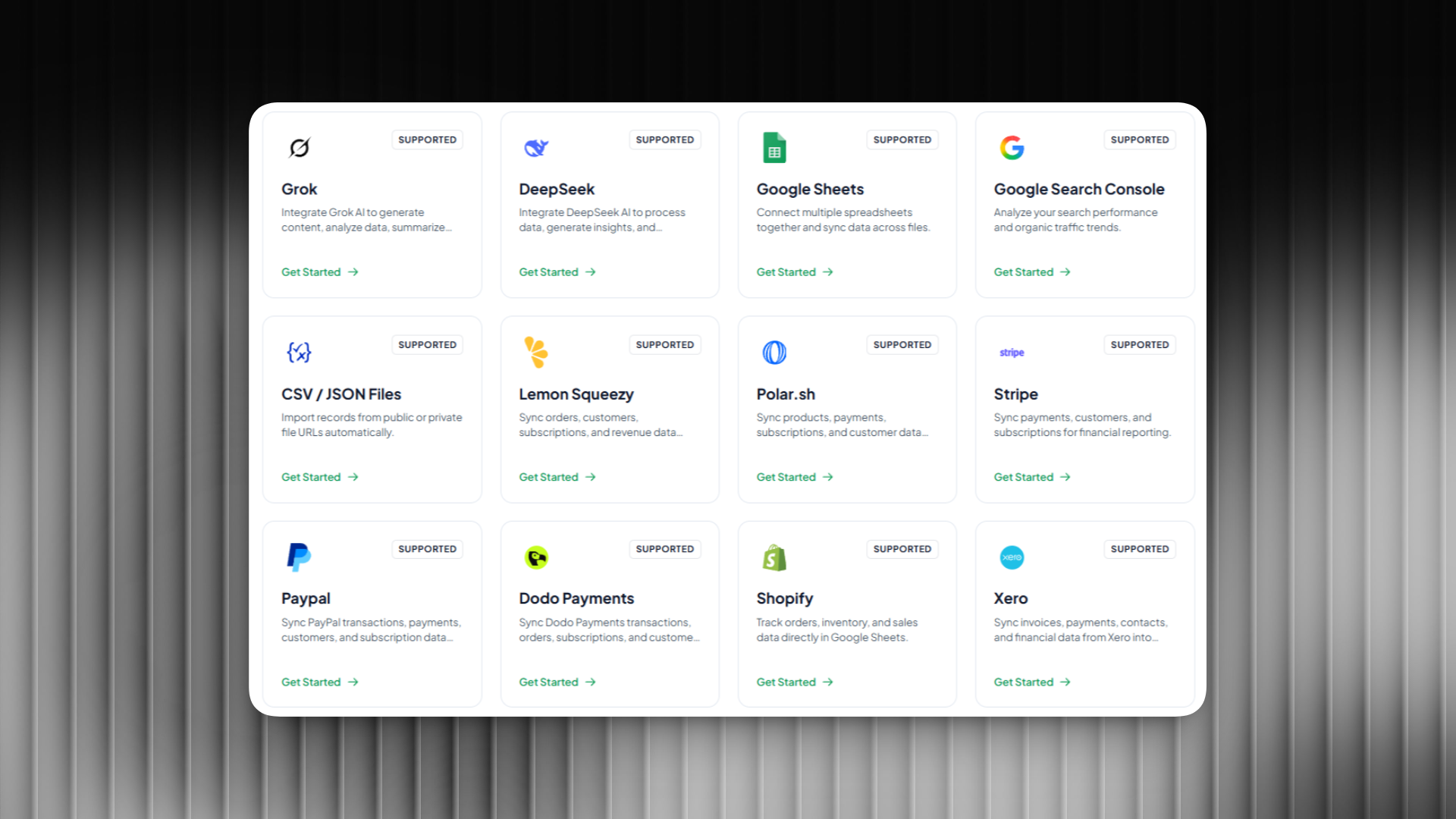
Sheetfetch allows you to connect external REST APIs directly to Google Sheets and automatically import data such as:
- Social media analytics
- Market data
- Website analytics
- CRM data
- Marketing metrics
The data can be scheduled to update automatically, making it ideal for dashboards and reports.
Google Sheets → REST API
Sheetfetch also allows you to convert Google Sheets into REST API endpoints, enabling you to:
- Let websites access spreadsheet data
- Use Google Sheets as a lightweight backend database
- Build simple CMS systems
- Connect Sheets data with apps or services
Key Features
- Two way sync between Google Sheets and REST APIs
- Turn Google Sheets into a backend data source
- Import data from multiple APIs
- Automated data updates
- Quick setup without coding
Best For
- SaaS builders
- No code creators
- Marketing analytics
- Data automation
- Startup MVPs
2. SheetDB
SheetDB is one of the most well known services for turning Google Sheets into a REST API. After connecting your spreadsheet, it generates an API endpoint that returns your data in JSON format.
Features
- Convert Google Sheets to REST API
- Supports GET, POST, PUT, DELETE
- JSON responses
- Easy integration with web and mobile apps
Best For
- SaaS prototypes
- Web apps
- Simple backend systems
3. Sheety
Sheety is a popular tool among developers who want to quickly create APIs from Google Sheets without building a backend.
Features
- Generate REST API from spreadsheets
- Full CRUD operations
- Easy integration with frontend apps
Best For
- Startup prototypes
- Internal tools
- Simple applications
4. GetSheetAPI
GetSheetAPI is another solution that allows developers to convert Google Sheets into a REST API quickly. Once connected, your spreadsheet data becomes accessible via API endpoints in JSON format.
Features
- REST API from Google Sheets
- Simple setup
- Generous free tier
Best For
- MVP projects
- Small web apps
- Rapid prototypes
5. Apipheny
Apipheny works differently from the tools above. Instead of converting Sheets into APIs, it allows you to import data from external APIs directly into Google Sheets.
Features
- Pull data from REST APIs into Sheets
- Schedule automatic updates
- No coding required
Best For
- Data analysts
- Marketing dashboards
- Data automation workflows
Conclusion
If you want to connect Google Sheets with APIs, each tool offers different strengths.
- Sheetfetch stands out because it supports two way data sync between Google Sheets and REST APIs
- SheetDB, Sheety, and GetSheetAPI mainly focus on turning Sheets into APIs
- Apipheny focuses on importing API data into Sheets
If you want Google Sheets to act as both a data source and an API backend, Sheetfetch provides the most flexible and powerful solution.