When working with data, connecting different tools to Google Sheets can save a huge amount of time. Instead of exporting files, copying data manually, or building complex API scripts, you can automatically sync data directly into your spreadsheets.
Sheetfetch is built to make this process simple.
We are building a growing ecosystem of integrations that allow you to connect many popular platforms and bring their data into Google Sheets in just a few steps.
👉 View the full integration list here:
https://sheetfetch.com/integrations
A List of Integrations Updated Daily
The integration directory in Sheetfetch is updated every day. We continuously add new platforms so you can connect more tools with Google Sheets.
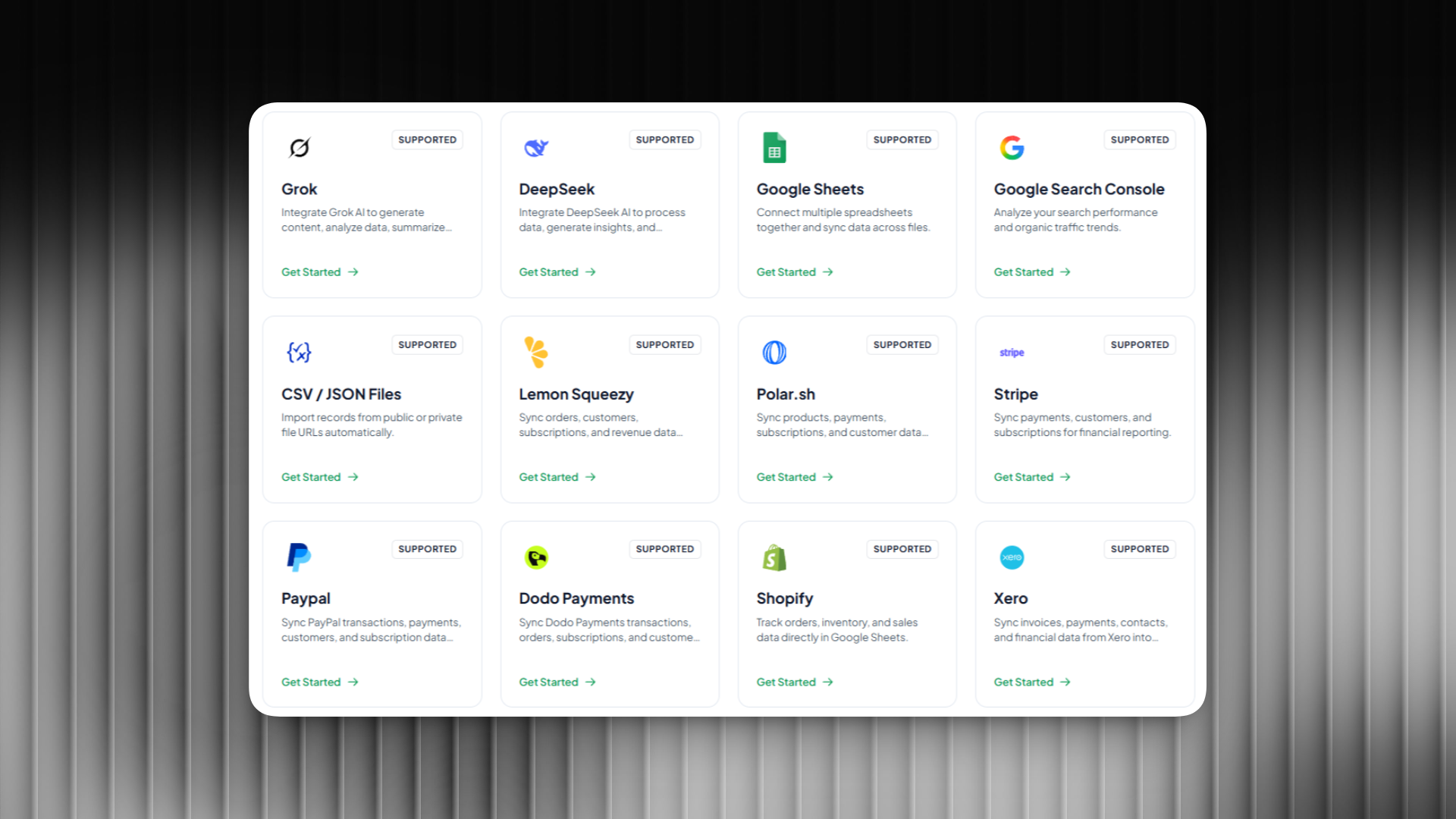
You can find integrations across many categories, including:
- CRM platforms such as HubSpot
- Marketing tools such as Mailchimp
- Payment platforms such as PayPal
- Social media platforms such as YouTube, TikTok, and Twitter
- AI tools such as Gemini or Grok
- Productivity tools such as Notion or Asana
- Databases such as PostgreSQL
- SEO tools such as Ahrefs
This allows Google Sheets to become a central data hub for your entire workflow.
You can monitor, analyze, and build dashboards from multiple data sources directly inside one spreadsheet.
Automatic Data Sync With Flexible Scheduling
With Sheetfetch integrations, your data can be automatically synchronized on a schedule so it always stays up to date.
You can configure sync frequency such as:
- Every minute
- Every hour
- Every day
- Or using a custom schedule
This makes it easy to keep your Google Sheets updated with the latest data without any manual work.
Automatically Import Data Into Google Sheets
Sheetfetch helps you pull data from multiple platforms and import it directly into Google Sheets.
Common use cases include:
- Tracking revenue and payment transactions
- Monitoring marketing performance
- Analyzing social media metrics
- Syncing CRM contacts and deals
- Building automated reports and dashboards
- Combining data from different systems
All of this can be done automatically without writing any code.
Request New Integrations Quickly
If you cannot find the integration you need in the list, you can quickly request a new integration.
We actively prioritize building integrations based on user demand. Sending a request takes only a moment and helps us understand which platforms you want to connect to Google Sheets.
Once we receive the request, our team will review it and add the integration in upcoming updates.
Explore All Available Integrations
The list of integrations in Sheetfetch keeps growing and new integrations are added every day.
You can explore the full directory here:
👉 https://sheetfetch.com/integrations
If you want to automate workflows, build data dashboards, or connect multiple platforms to Google Sheets, Sheetfetch makes it fast and easy. 🚀