If you use Google Sheets to manage data, analyze metrics, or build workflows, you’ve probably faced the same problem many times: getting data from different sources into one place.
APIs, databases, CSV files, JSON feeds… every source requires a different tool, custom scripts, or complicated integrations.
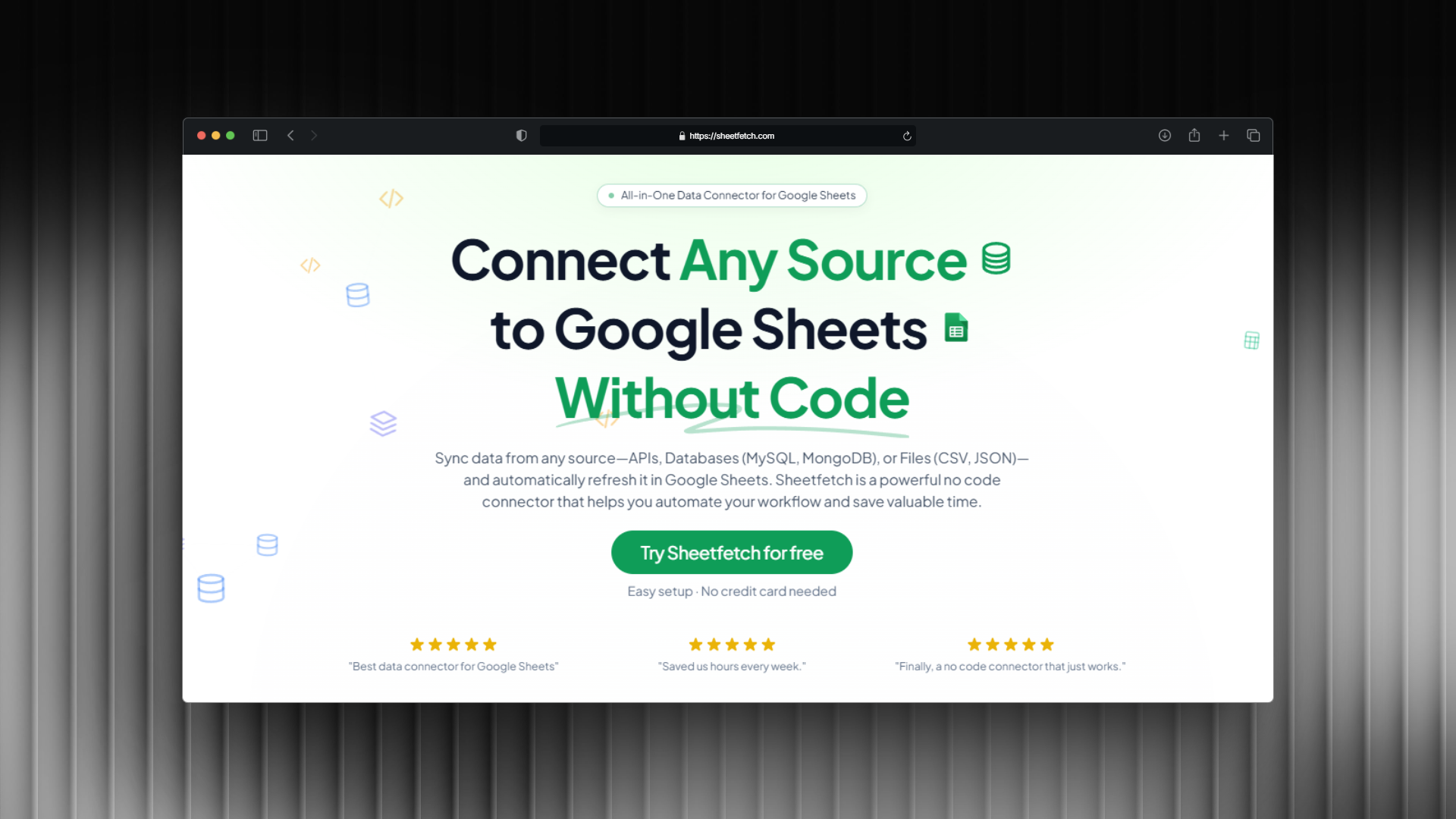
Today we’re excited to introduce SheetFetch.
A simple way to connect any data source to Google Sheets without writing code.
What is SheetFetch?
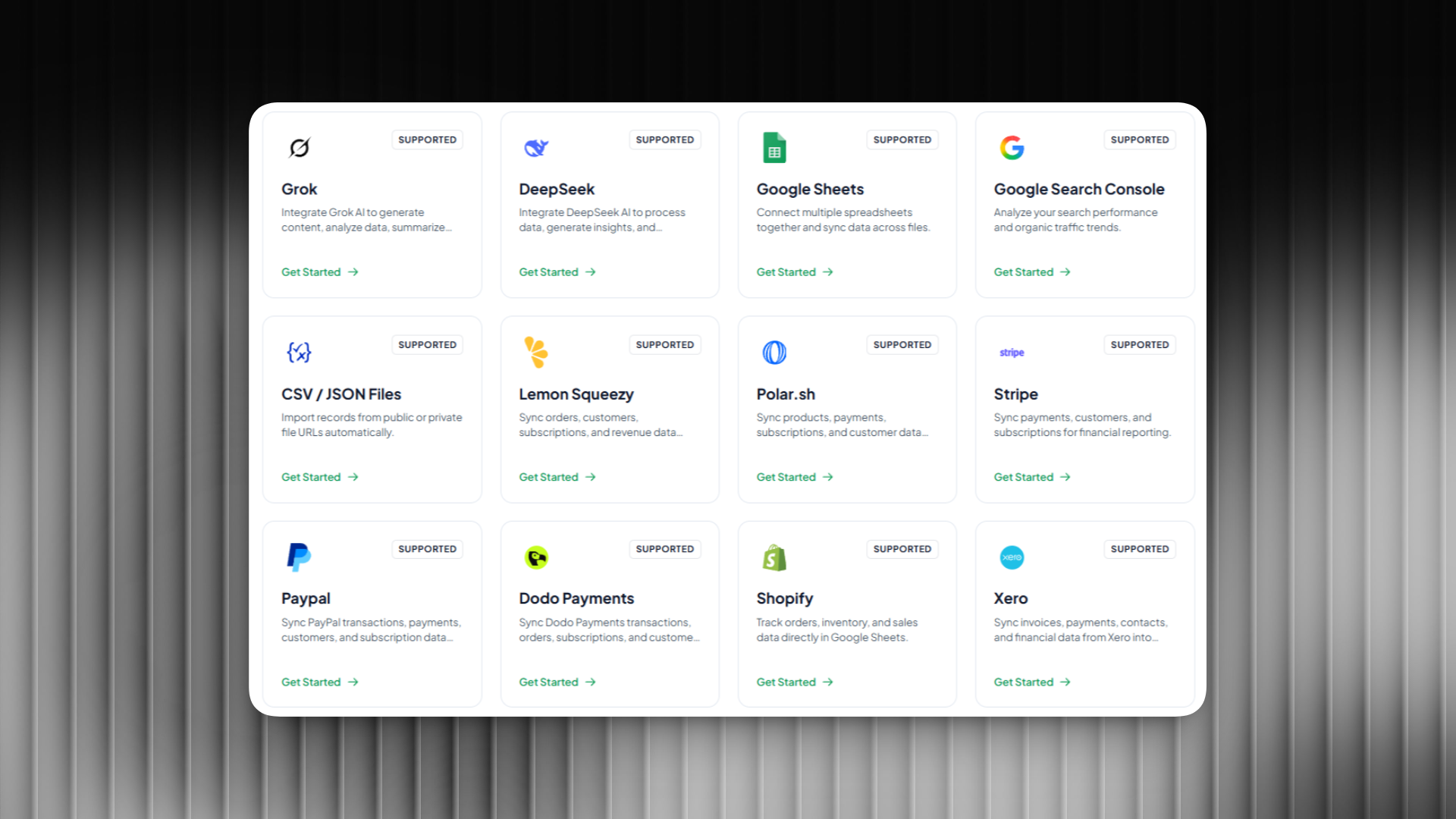
SheetFetch is a powerful no code connector that lets you sync data from multiple sources directly into Google Sheets.
Instead of manually exporting files or writing scripts, SheetFetch automatically pulls your data and keeps it up to date.
You can connect:
• APIs
• Databases such as MySQL and MongoDB
• Files like CSV or JSON
All synced directly to Google Sheets with automatic updates.
Whether you're building reports, dashboards, or internal tools, SheetFetch helps you turn Google Sheets into a powerful data hub.
Why We Built SheetFetch
Many people already use Google Sheets as their main workspace for data.
Marketers track campaigns.
Startups monitor metrics.
Developers use it as a lightweight database.
No code builders power automations with it.
But connecting external data sources to Google Sheets is often painful.
You usually need to:
• Write scripts
• Use complex automation tools
• Pay for expensive integrations
• Manually update data
We built SheetFetch to solve this problem.
A simple, fast, and affordable way to sync any data source into Google Sheets.
Key Features
Connect Any API
Pull data from any REST API and send it directly to Google Sheets.
Add headers, authentication, query parameters, and map the response to your sheet automatically.
Perfect for syncing data from tools like analytics platforms, SaaS products, or custom services.
Sync Databases to Google Sheets
Connect directly to databases such as:
• MySQL
• MongoDB
Run queries and send the results straight into Google Sheets.
This makes it easy to create dashboards or share internal data with your team without giving database access.
Import Files Automatically
Have data in files?
SheetFetch can import:
• CSV files
• JSON files
Once connected, the data can refresh automatically so your sheets always stay updated.
Automatic Data Refresh
Set it once and let SheetFetch handle the rest.
Schedule updates:
• Every few minutes
• Hourly
• Daily
• Weekly
Your Google Sheets will always stay fresh without manual work.
No Code Required
SheetFetch is built for everyone.
You don’t need programming knowledge to connect APIs, databases, or files.
Just configure your source, connect your Google Sheet, and start syncing data instantly.
Who is SheetFetch for?
SheetFetch is designed for anyone who works with data in Google Sheets:
Marketers who need campaign data in spreadsheets
Startups building quick dashboards
Data analysts collecting data from multiple tools
No code builders creating automations
Indie makers building lightweight data workflows
If Google Sheets is part of your workflow, SheetFetch can save you hours of manual work.
Turn Google Sheets Into a Data Hub
With SheetFetch, Google Sheets becomes more than just a spreadsheet.
It becomes a central place where data from APIs, databases, and files automatically flows in and stays updated.
No scripts.
No complex integrations.
Just clean, reliable data exactly where you need it.
Try SheetFetch Today
We’re just getting started and would love your feedback.
If you want an easier way to connect APIs, databases, and files to Google Sheets, give SheetFetch a try.
👉 Visit https://sheetfetch.com
Start syncing your data today and turn Google Sheets into a powerful data automation tool. 🚀