
Sheetfetch Blog
Sync data from APIs, databases, apps, or files into Google Sheets and keep it automatically updated. Sheetfetch is a simple no code connector that helps you automate data workflows and save time.
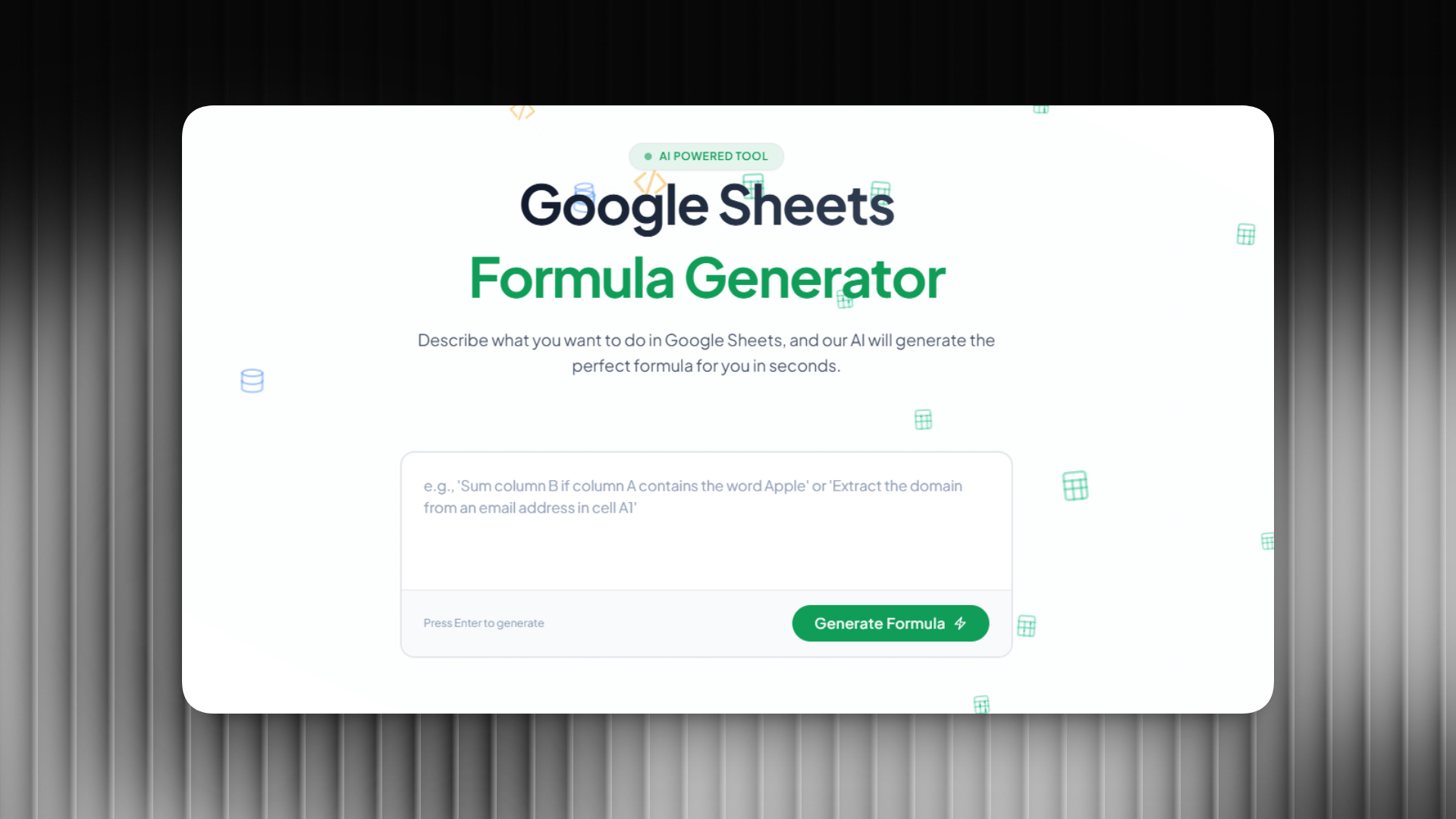
Writing formulas in Google Sheets can sometimes be frustrating, especially when dealing with complex functions like QUERY, ARRAYFORMULA, VLOOKUP, or multiple nested conditions. Many users spend a lot of time searching online just to find the correct formula.

Working with large datasets in Google Sheets often requires powerful filtering, sorting, and data analysis. One of the most powerful features available is the QUERY function, but writing QUERY formulas manually can be difficult because they use SQL like syntax.

Working with text data in Google Sheets often requires advanced pattern matching, text extraction, or data cleaning. This is where regular expressions (regex) become extremely useful. However, writing regex patterns manually can be difficult, especially for beginners.
Receive a daily digest of the newest startups.